Forums / Upgrading to 1.5.x / nightmere upgrading - Products not showing up in their categories

nightmere upgrading - Products not showing up in their categories

Views: 6,231

Results 1 to 20 of 33
10 Feb 2024, 1:50 PM
#1
immortalgames avatar

immortalgames

New Zenner

Join Date:
Jan 2024
Posts:
27
Plugin Contributions:
0

nightmere upgrading - Products not showing up in their categories

I have done a fresh install of zc since my old php versions are no longer supported. Then restored my zc 155 database. my problem is my products do not show up in there categories on the store front, but show up on the store front as new products. also my products do not show up at all in admin area, or in categories or as products of thoses categries in admin area at all.

can somone please guide me to a fix for this.

server information/ specs and php versions can be posted upon request.

10 Feb 2024, 2:17 PM
#2
immortalgames avatar

immortalgames

New Zenner

Join Date:
Jan 2024
Posts:
27
Plugin Contributions:
0

Re: nightmere upgrading - Products not showing up in their categories

Also Search funtion/ search bar returns no results

10 Feb 2024, 3:11 PM
#3
lat9 avatar

lat9

Administrator

Join Date:
Sep 2009
Location:
Stuart, FL
Posts:
14,119
Plugin Contributions:
56

Re: nightmere upgrading - Products not showing up in their categories

Based on the steps you identified in your original post, it sounds like the zc155 database wasn't updated. Was the zc_install process run on the database?

10 Feb 2024, 4:04 PM
#4
immortalgames avatar

immortalgames

New Zenner

Join Date:
Jan 2024
Posts:
27
Plugin Contributions:
0

Re: nightmere upgrading - Products not showing up in their categories

I had to do a fresh install and reinsert the zc 155 database via phpmyadmin as zc 155 was no longer supported by my php version. also had to move from mysql to mariadb.

10 Feb 2024, 6:06 PM
#5
lat9 avatar

lat9

Administrator

Join Date:
Sep 2009
Location:
Stuart, FL
Posts:
14,119
Plugin Contributions:
56

Re: nightmere upgrading - Products not showing up in their categories

What you should have done is

  • Make a copy (via phpMyAdmin) of the zc155 database (for backup)
  • Copy the new Zen Cart version's files (I'm presuming zc158a, BTW) to the site.
  • Copy the existing site's /includes/configure.php and /YOUR_ADMIN/includes/configure.php, making any necessary modifications to the HTTP_SERVER and DIR_FS_CATALOG settings. Make sure that the database references either the initial zc155 database or its copy.
  • Navigate to yoursite.com/zc_install and let the Zen Cart upgrade script properly upgrade your zc155 database to its zc158 format.
  • Rename or remove the /zc_install sub-directory.
11 Feb 2024, 4:28 PM
#6
drbyte avatar

drbyte

Sensei

Join Date:
Jan 2004
Posts:
63,515
Plugin Contributions:
176

Re: nightmere upgrading - Products not showing up in their categories

Also, how many tables are in your database? How many of them are named "admin" but with different prefixes? like "zen_admin", "admin", "v155_admin", etc? If you have more than one set of tables, chances are that your old site had a different DB_PREFIX set in your configure.php files, and your new site is using a different DB_PREFIX, so is pointing to the wrong set of data.

What lat9 said above is how to avoid such a situation.

If you do have 2 sets of tables, look at the old site's configure.php file to see the DB_PREFIX and set your new site's configure.php files (both of them) to use the same DB_PREFIX as the old site. Then you'll need to re-upload the v158 zc_install directory and run zc_install to upgrade your data.
And then of course delete zc_install when done. And use phpMyAdmin to delete the "wrong" set of database tables that you had created by doing the "fresh" install of 158 with the wrong prefix.

.
Zen Cart - putting the dream of business ownership within reach of anyone!
Donate to: DrByte directly or to the Zen Cart team as a whole

Remember: Any code suggestions you see here are merely suggestions. You assume full responsibility for your use of any such suggestions, including any impact ANY alterations you make to your site may have on your PCI compliance.
Furthermore, any advice you see here about PCI matters is merely an opinion, and should not be relied upon as "official". Official PCI information should be obtained from the PCI Security Council directly or from one of their authorized Assessors.

12 Feb 2024, 12:33 PM
#7
immortalgames avatar

immortalgames

New Zenner

Join Date:
Jan 2024
Posts:
27
Plugin Contributions:
0

Re: nightmere upgrading - Products not showing up in their categories

thank you for the quick replys btw. there in no db prefix for the database, what i will do is give you a clearer look at what may be going on. there may be a missing table in sql or a change in something. im going to post specs and more info as this may help other people as well with a smother upgrade process.

4 Apr 2024, 11:33 AM
#9
immortalgames avatar

immortalgames

New Zenner

Join Date:
Jan 2024
Posts:
27
Plugin Contributions:
0

Re: nightmere upgrading - Products not showing up in their categories

[QUOTE=immortalgames;1399052]website - https://immortalgames.uk/

Apache version 2.4.41
PHP-FPM 7.4.3 Server
BIND version 9.16
Postfix version 3.4.13
MariaDB version 10.3.39


4 Apr 2024, 11:35 AM
#10
immortalgames avatar

immortalgames

New Zenner

Join Date:
Jan 2024
Posts:
27
Plugin Contributions:
0

Re: nightmere upgrading - Products not showing up in their categories


4 Apr 2024, 9:23 PM
#11
mc12345678 avatar

mc12345678

Totally Zenned

Join Date:
Jul 2012
Posts:
16,908
Plugin Contributions:
2

Re: nightmere upgrading - Products not showing up in their categories

immortalgames:

I have done a fresh install of zc since my old php versions are no longer supported. Then restored my zc 155 database. my problem is my products do not show up in there categories on the store front, but show up on the store front as new products. also my products do not show up at all in admin area, or in categories or as products of thoses categries in admin area at all.

can somone please guide me to a fix for this.

server information/ specs and php versions can be posted upon request.
I have read all of the other posts, but the linked database data is no longer available for perusal (hopefully it did not include customer data). I don't see though, what process was used to obtain the "backup" of the previous/old database to be able to indicate whether a step (option) was missed in backing up the database, if a table did not get restored, if a table existed and did not get its data replaced or if in adding data from the recovered database new record designations were assigned that caused a loss of correlation between product and category.

In the more recent versions, queries were modified to require relationships to exist in order to retrieve results as compared to older versions that allowed a lapse of relationship within the admin. At least in the older versions, data could be retrieved and issues corrected by pushing the correct relationship where found to be broken. Now, unexpected results occur which requires one to dig into the database more in order to resolve the issue.

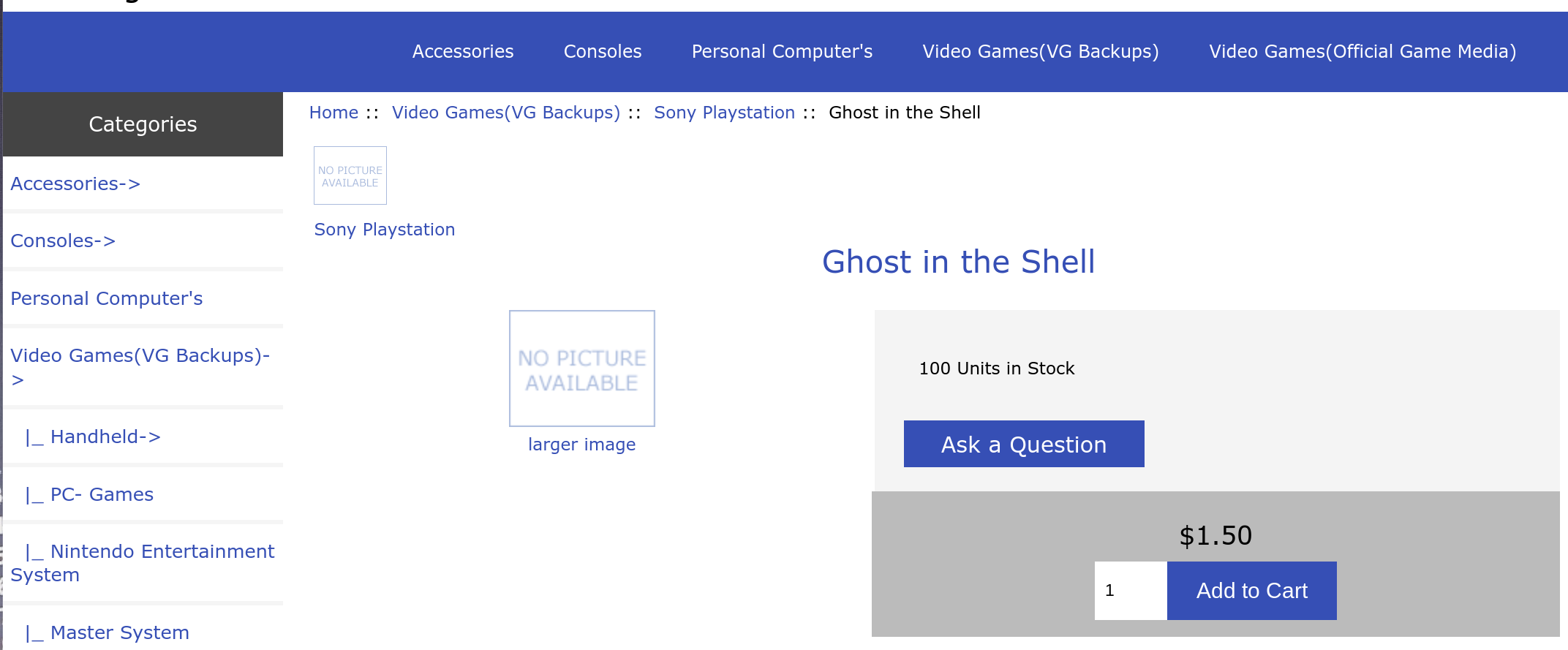
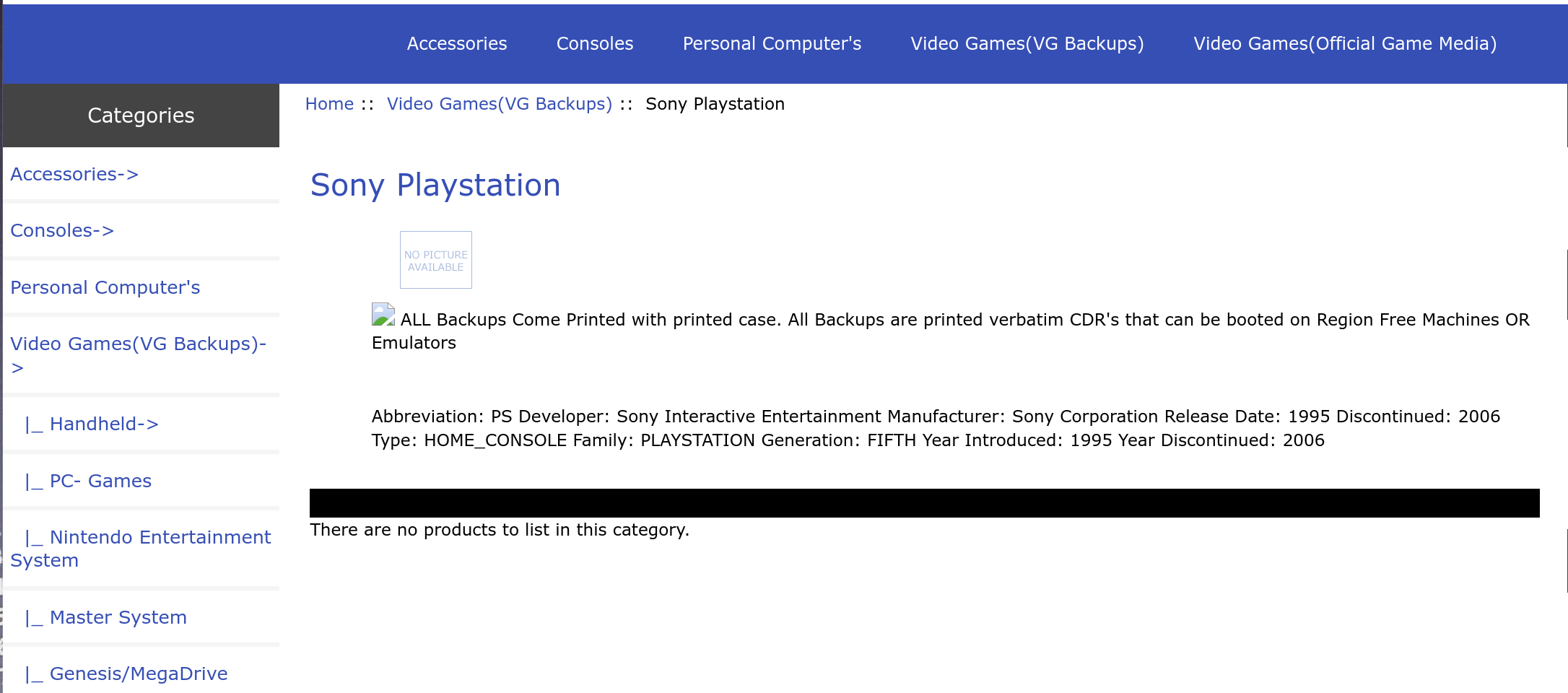
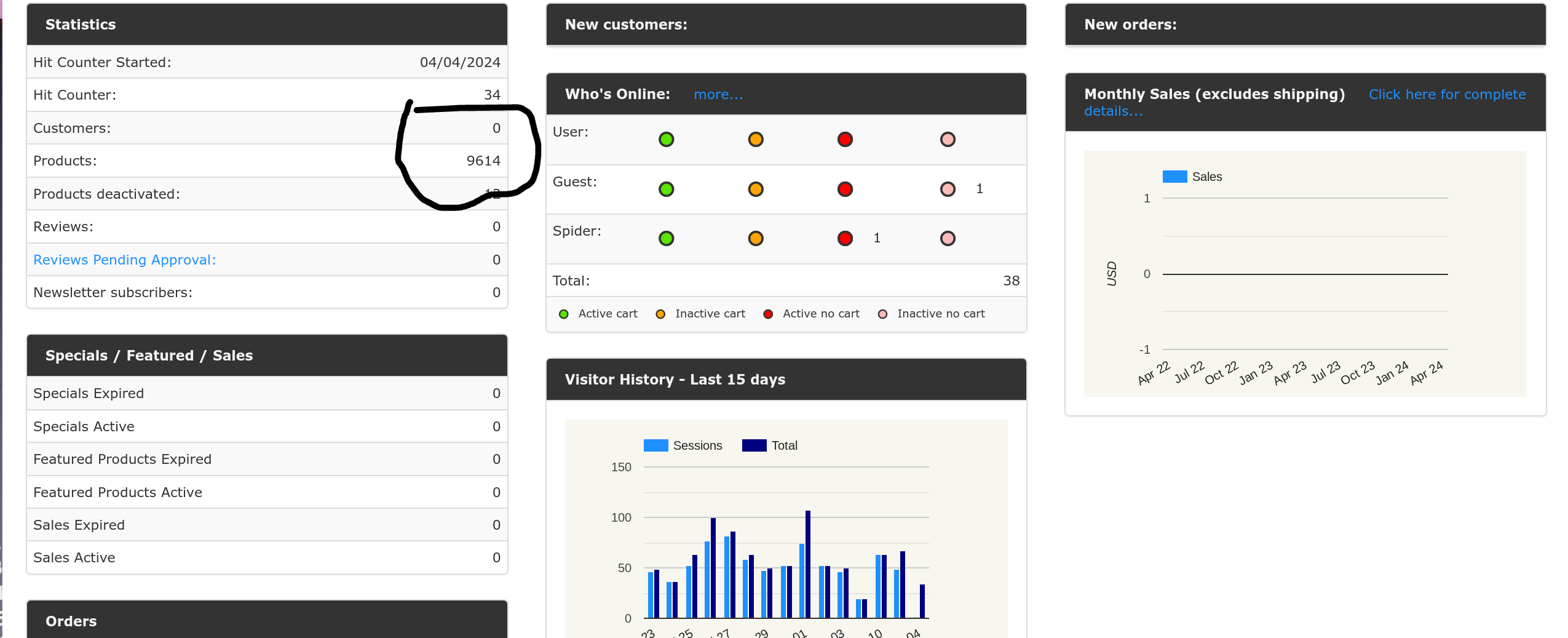
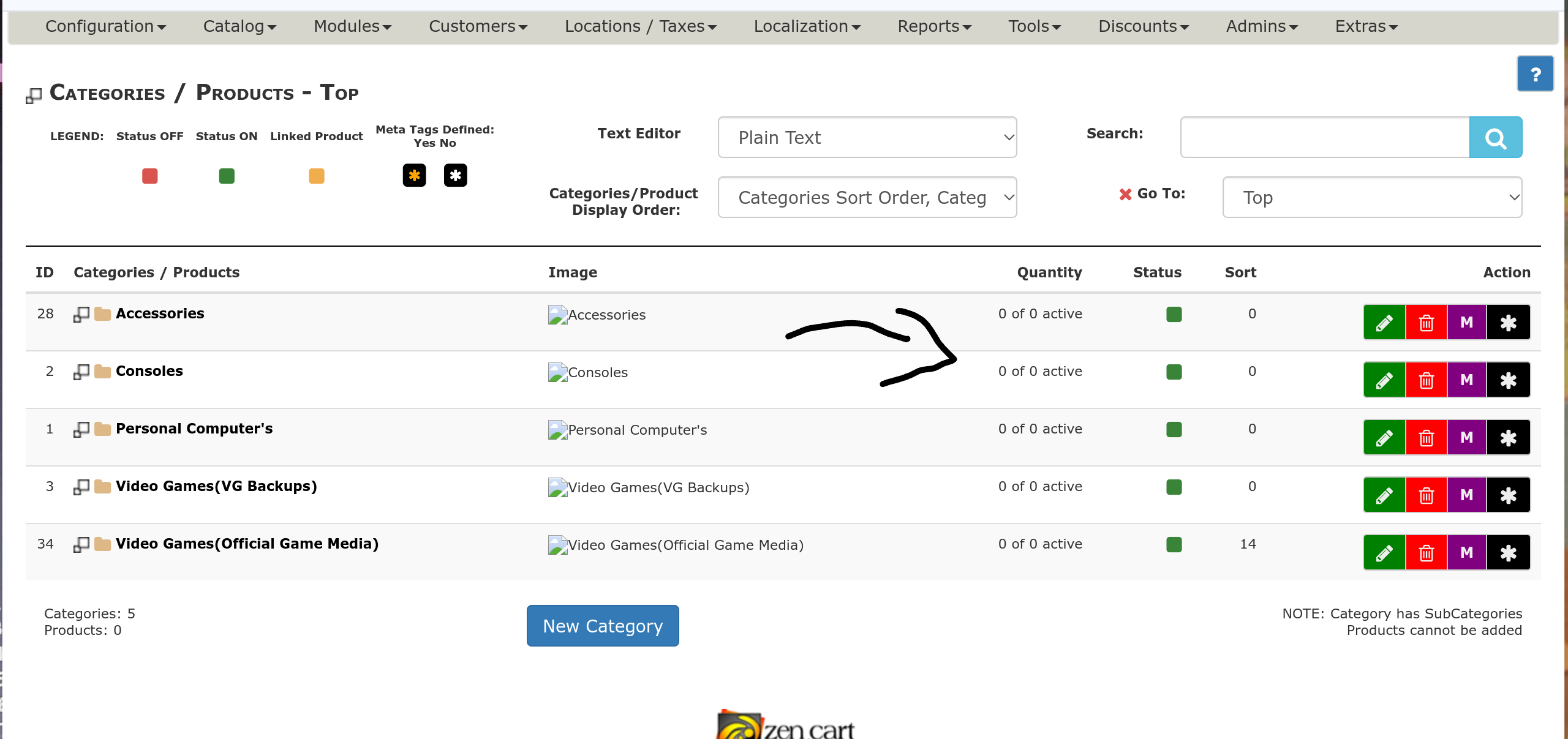
As you show in your images, in the admin there appear to be product and there appear to be categories. On the catalog side, there appear to be product in categories.

From those conditions, it appears to me that product have master_categories assigned, categories exist, but the table products_to_categories does not have appropriate information to represent the product/category relationships.

If that is true, there are ways to restore the relationships using one or more sql queries at least to restore primary relationships with linked product to be rebuilt separately. Such would be simpler if that table is/was in the 155 version of the sql.

ZC Installation/Maintenance Support <- Site
Contribution for contributions welcome...

5 Apr 2024, 4:51 PM
#12
immortalgames avatar

immortalgames

New Zenner

Join Date:
Jan 2024
Posts:
27
Plugin Contributions:
0

Re: nightmere upgrading - Products not showing up in their categories

Thank you for your swift reply, this helped heaps. (products_to_categories) in SQL had not executed correctly from the 1.55 database as this is a huge database, did take me awhile to copy just that one table from the database but however fixed the issue so it was worth it. thank you very much for this. im going to painstakingly go through the rest of the database for any other error but in all very pleased with the result. updating or moving PHP or SQL versions/ SQL processors is painfull when you have long term working website. will message again if anything.

Thank you again guys for your help.:cool:

5 Jun 2024, 12:42 PM
#13
immortalgames avatar

immortalgames

New Zenner

Join Date:
Jan 2024
Posts:
27
Plugin Contributions:
0

Re: nightmere upgrading - Products not showing up in their categories

im still having an issue with products not showing up with a name, and in turn not showing up in search or inorder to edit them in the admin area.

5 Jun 2024, 4:15 PM
#14
lat9 avatar

lat9

Administrator

Join Date:
Sep 2009
Location:
Stuart, FL
Posts:
14,119
Plugin Contributions:
56

Re: nightmere upgrading - Products not showing up in their categories

If you'll do a database export (via phpMyAdmin) and PM me a link to where I can download that, I'll see what I can see.

5 Jun 2024, 7:07 PM
#15
immortalgames avatar

immortalgames

New Zenner

Join Date:
Jan 2024
Posts:
27
Plugin Contributions:
0

Re: nightmere upgrading - Products not showing up in their categories

I have PM-ed you thank you

5 Jun 2024, 9:06 PM
#16
lat9 avatar

lat9

Administrator

Join Date:
Sep 2009
Location:
Stuart, FL
Posts:
14,119
Plugin Contributions:
56

Re: nightmere upgrading - Products not showing up in their categories

immortalgames:

I have PM-ed you thank you
Got it!

On initial inspection, I see that the site has one language (english), 9626 entries in the products table and 1290 (!) entries in the products_description table. I'm pretty sure that for a product to be considered as valid, it needs to have an entry in both of those tables (as well as others).

Any ideas as to where those other 8336 products' descriptions disappeared to? Do you have a backup of the current/previous site's database?

6 Jun 2024, 7:24 AM
#17
immortalgames avatar

immortalgames

New Zenner

Join Date:
Jan 2024
Posts:
27
Plugin Contributions:
0

Re: nightmere upgrading - Products not showing up in their categories

yes, what i will have a look and PM you back. thank you

6 Jun 2024, 3:35 PM
#18
immortalgames avatar

immortalgames

New Zenner

Join Date:
Jan 2024
Posts:
27
Plugin Contributions:
0

Re: nightmere upgrading - Products not showing up in their categories

lat9:

Got it!

On initial inspection, I see that the site has one language (english), 9626 entries in the products table and 1290 (!) entries in the products_description table. I'm pretty sure that for a product to be considered as valid, it needs to have an entry in both of those tables (as well as others).

Any ideas as to where those other 8336 products' descriptions disappeared to? Do you have a backup of the current/previous site's database?

just a quick question is there an easier way of filling the products with no description with a generic entry for example ("no description") with a sql querie that way i can at least see the product for editing

7 Jun 2024, 8:40 AM
#19
brittainmark avatar

brittainmark

Totally Zenned

Join Date:
Apr 2009
Posts:
509
Plugin Contributions:
1

Re: nightmere upgrading - Products not showing up in their categories

Assuming that you can get to phpMyAdmin or some other database tool then the following will insert a product name of "No Name" which will allow you to see and edit the missing product details. Please back up the database before using this command.

INSERT IGNORE INTO products_description SELECT products_id, 1, 'NO Name', Null, Null, 0 FROM products;  

Note:

  1. If you use a table prefix then you will need to add the prefix to the table names. i.e. id you use "ZEN" then command will be.
INSERT IGNORE INTO ZEN_products_description SELECT ZEN_products_id, 1, 'NO Name', Null, Null, 0 FROM products;  
  1. You will see a lot of errors because there are some products already with names. These will not be overwritten.

  2. If you have the old database you would be better to export the products_description table and import to your new database.

Mark Brittain
http:\innerlightcrystals.co.uk\sales\

7 Jun 2024, 9:55 AM
#20
mprough avatar

mprough

Totally Zenned

Join Date:
Nov 2007
Location:
Woodbine, Georgia, United States
Posts:
4,305
Plugin Contributions:
39

Re: nightmere upgrading - Products not showing up in their categories

Sounds to me like it's so large it's being corrupted in transfer... Try big dump maybe (https://www.ozerov.de/bigdump/).

~Melanie